Minimum*
Entry point with selected models
12 GB VRAM
- Graphics cardNVIDIA GeForce RTX
- Memory32 GB RAM
- Processor6 CPU cores / 12 threads
- StorageSSD with sufficient space for AI models
- Operating systemWindows 10/11 · 64-bit
Image, video, AI film, photo, voice, music and assistance — connected inside one local creator suite for Windows.
Try MJP-AI-Studios free for 7 days. If you do not cancel before the trial ends, the monthly subscription starts automatically at €29.99 per month. Take your time to try the software and decide afterwards.
Start 7-day free trialMonthly subscription through Digistore24
Sound Studio, Photo Studio, Multi-AI, Voice Studio, MJP Assistant and Music Studio — all in one suite.
Create sounds, soundscapes and creative audio projects with AI.

Edit, cut out, enhance and restore photos.
Images, videos and film sequences in one shared AI workflow.
Create voice recordings, voices and creative voiceovers.

Intelligent support for creative workflows.

Create music, sounds and audio content with AI.
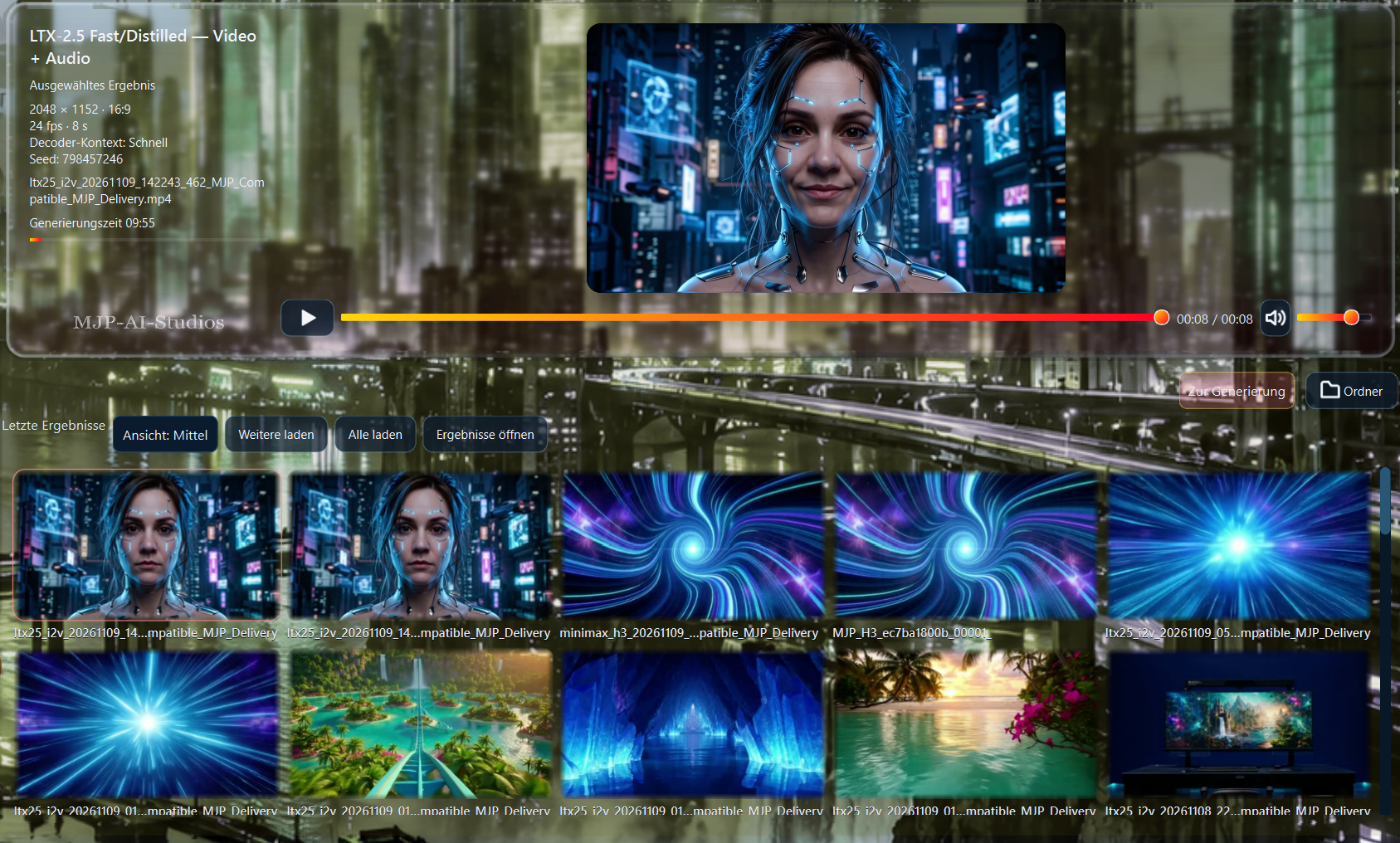
A varied selection of AI videos already created — from fantasy and nature to action, science fiction and distinctive visual worlds.
These values are model-dependent guidelines. More performance may be required depending on the engine, resolution, video length and quality settings.
* Model-dependent guidelines. Requirements increase with the engine, resolution and video length. Additional free storage is required for models, working files and generated results.
The studios follow a shared interaction logic, so you do not have to relearn the workflow for every creative step.
Your own GPU and PC are at the center — true to the guiding idea “Your PC Is The Brain”.
Clear controls, understandable workflows and high-quality output instead of unnecessary technical barriers.
MJP-AI-Studios brings many creative tools together in one suite, so you do not need a separate online service or system for every step of your work.
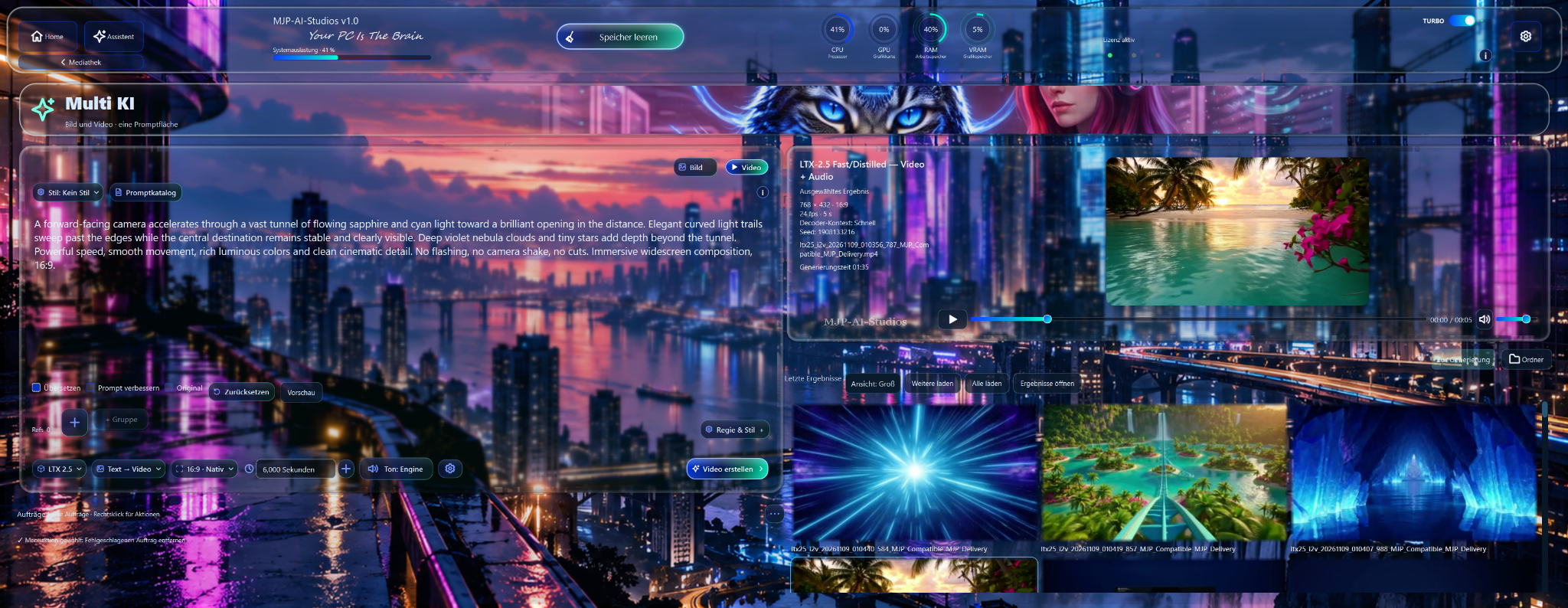
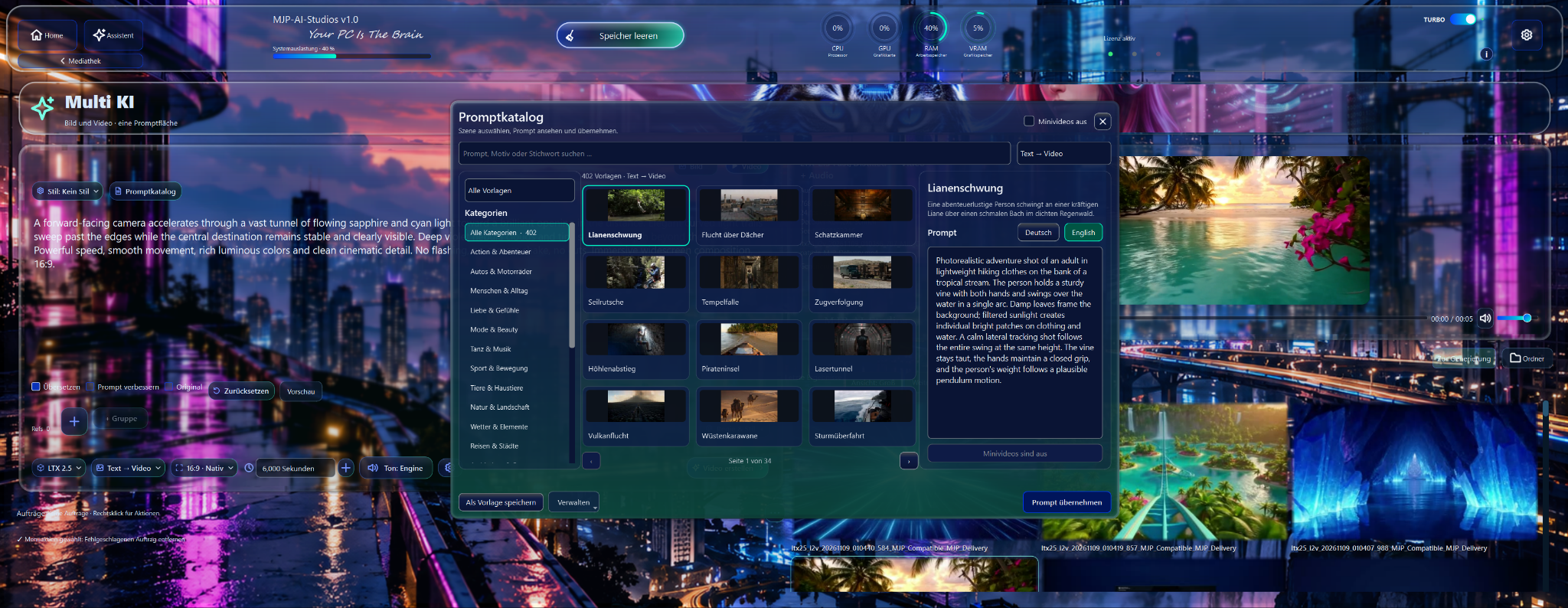
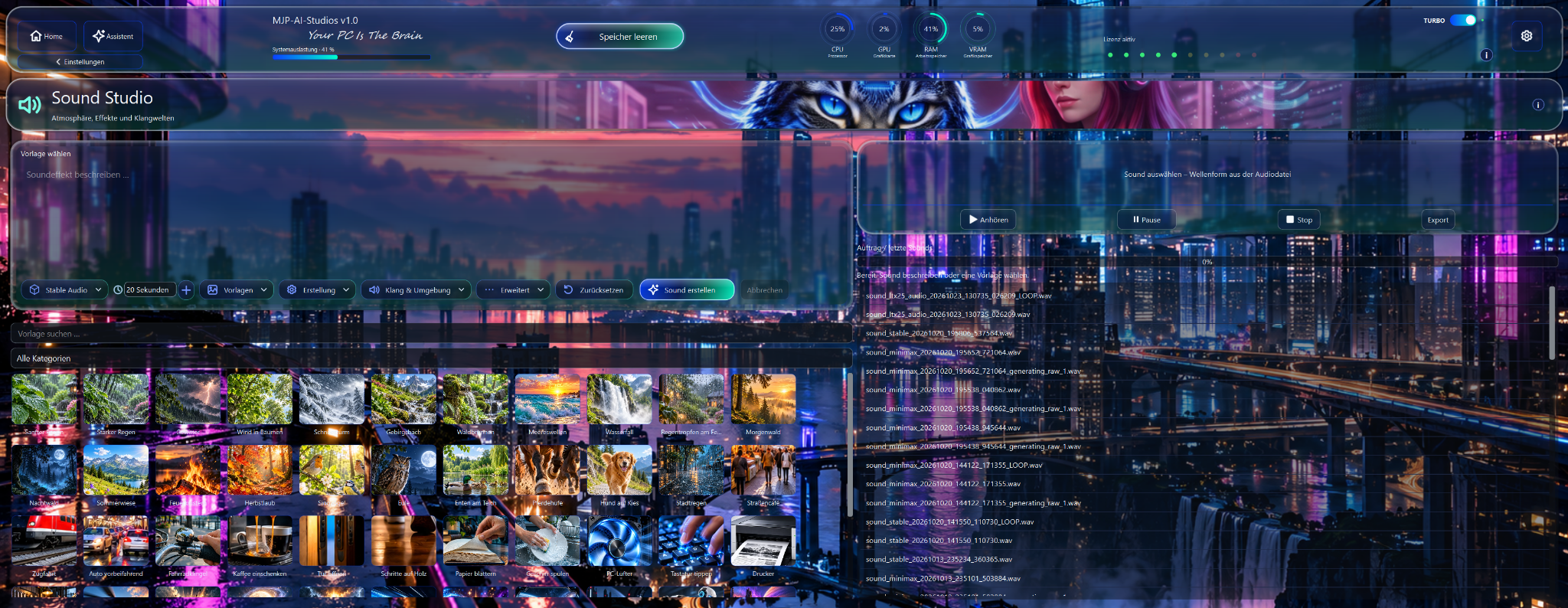
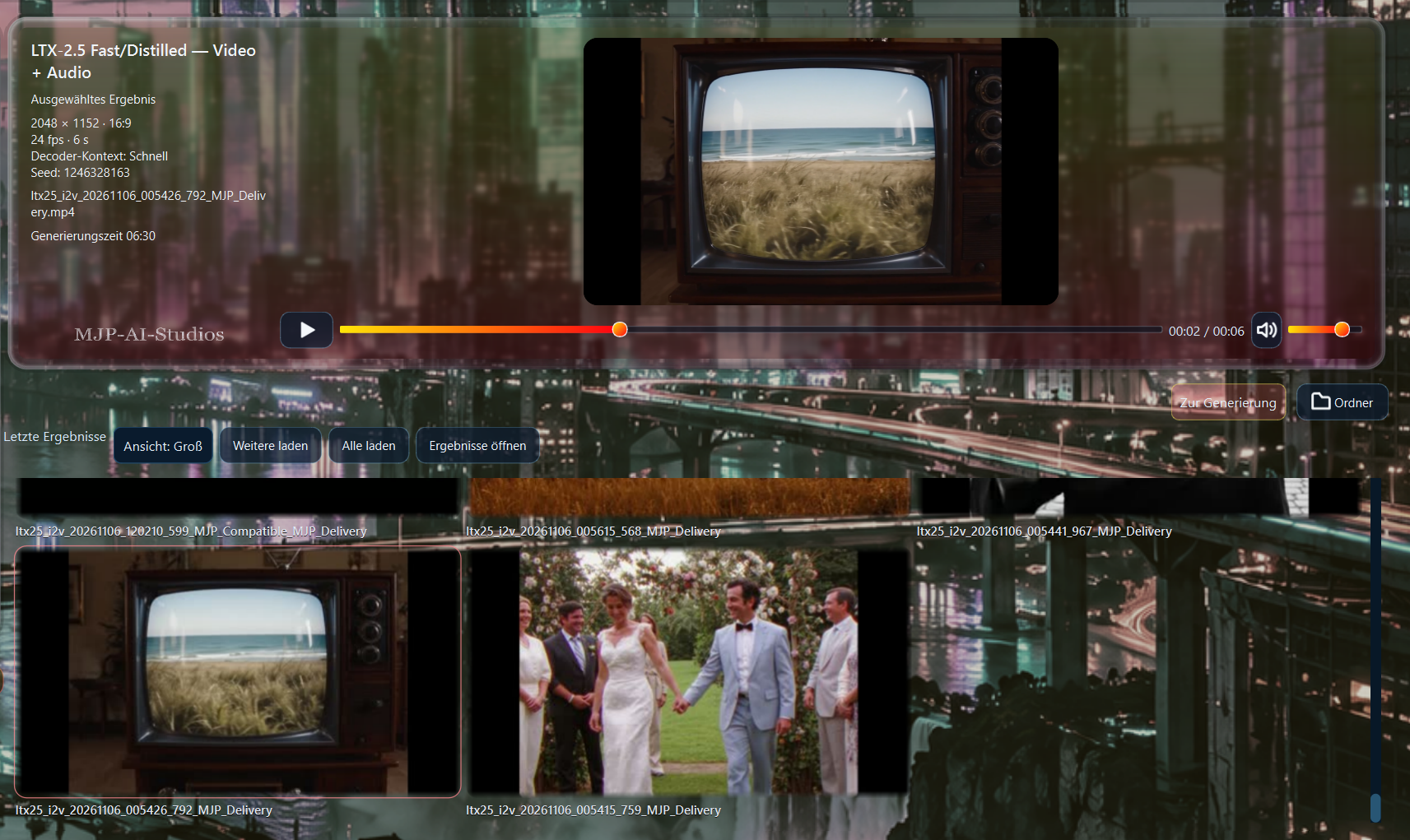
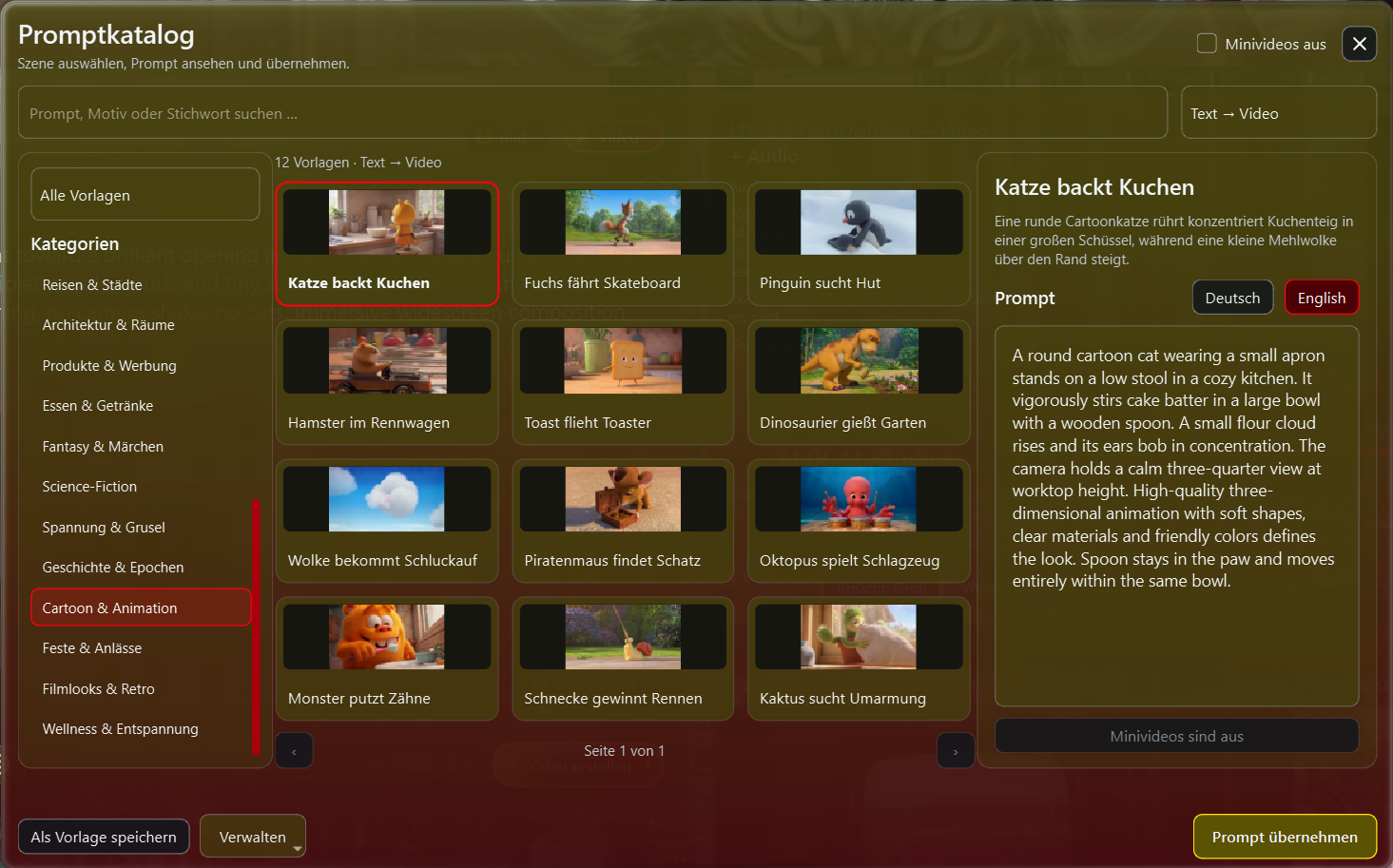
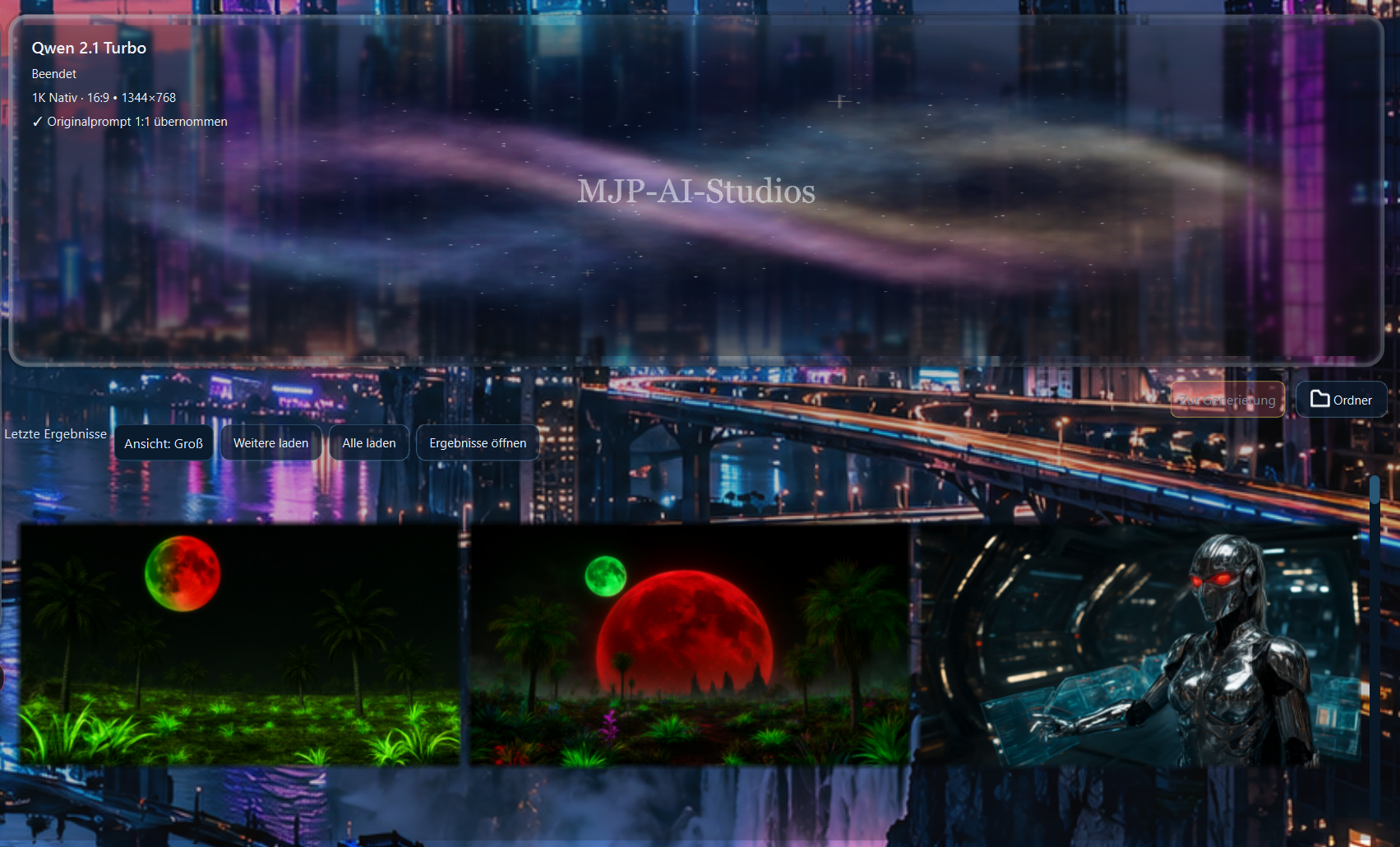
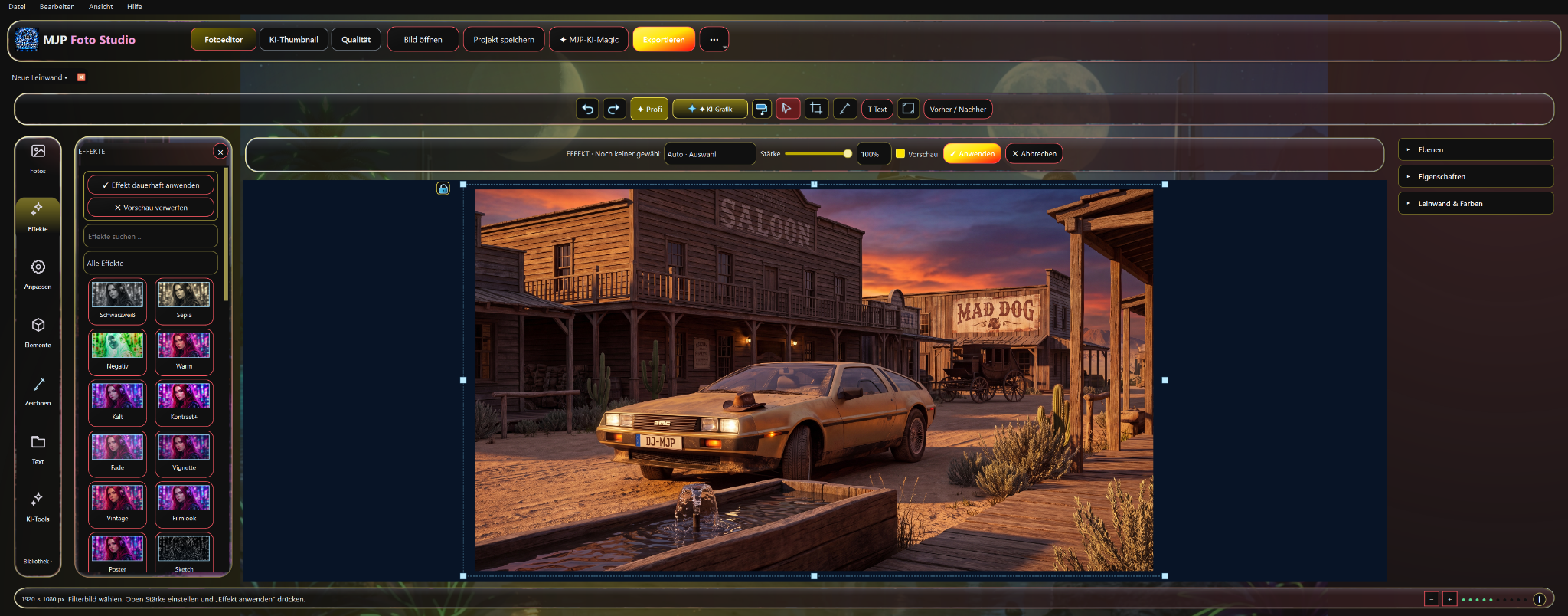
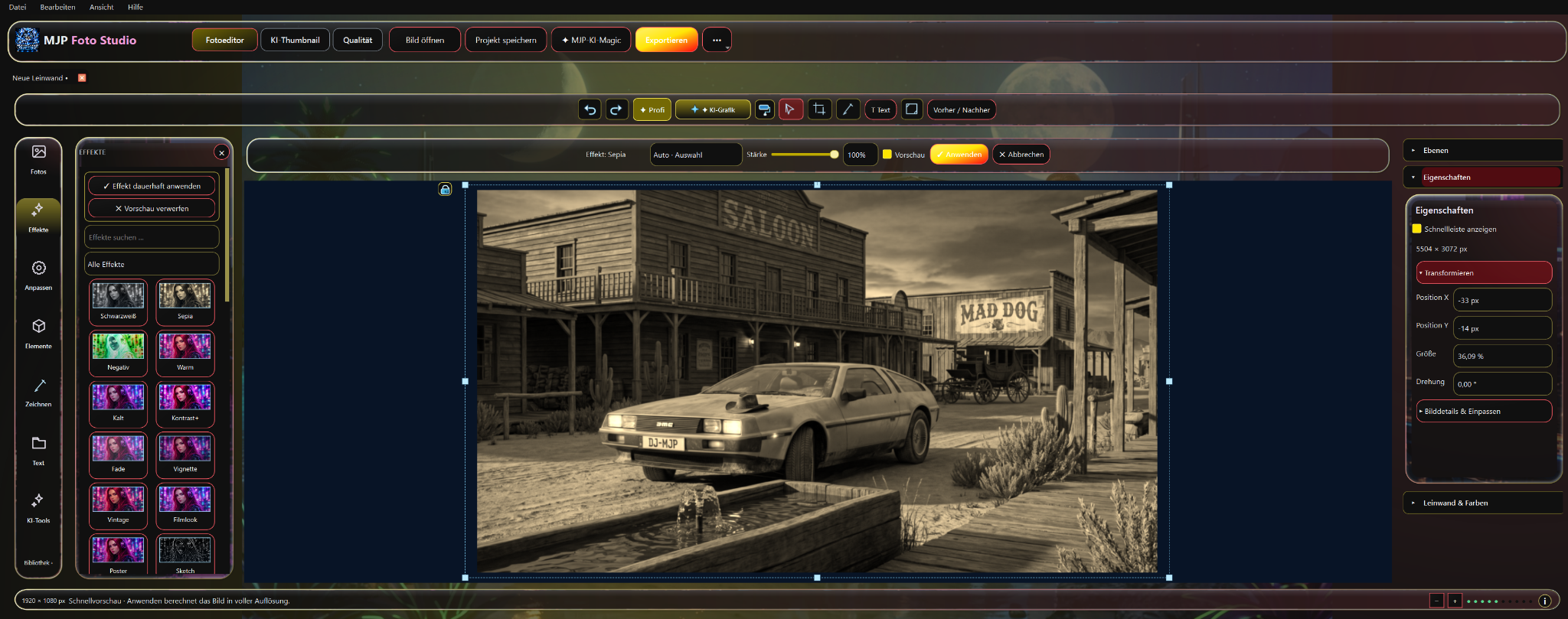
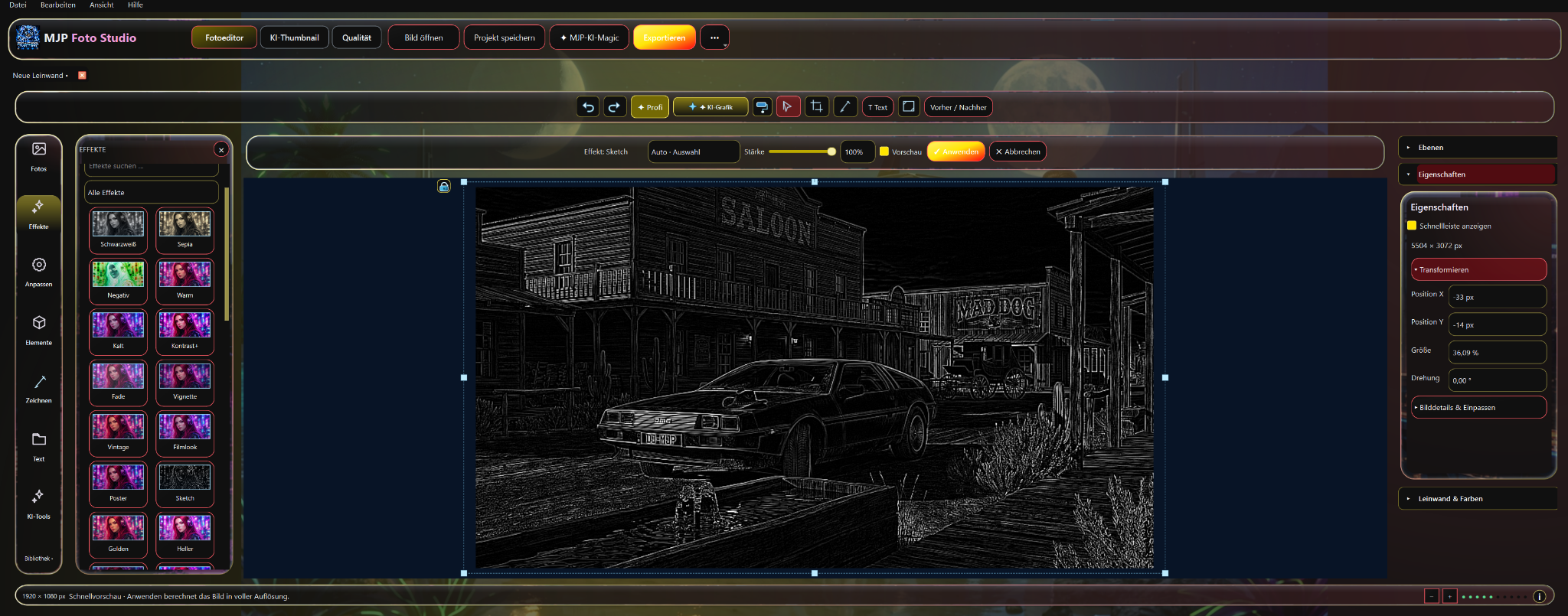
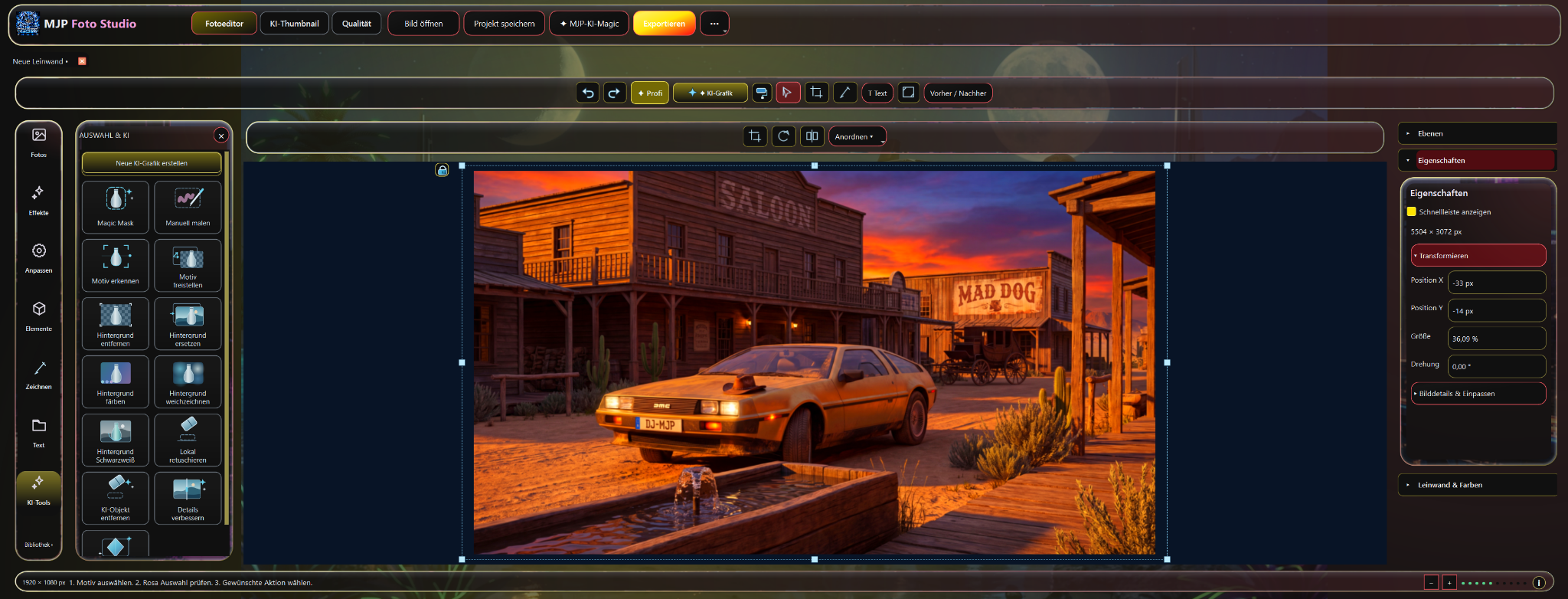
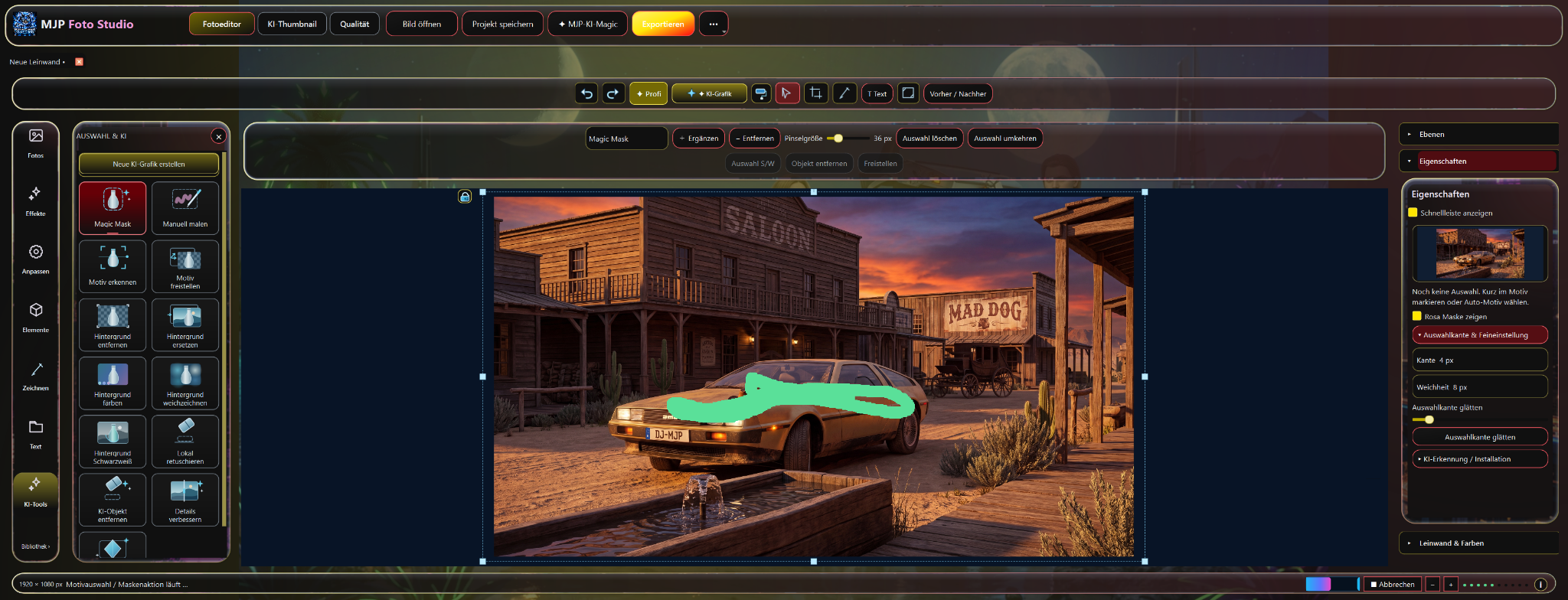
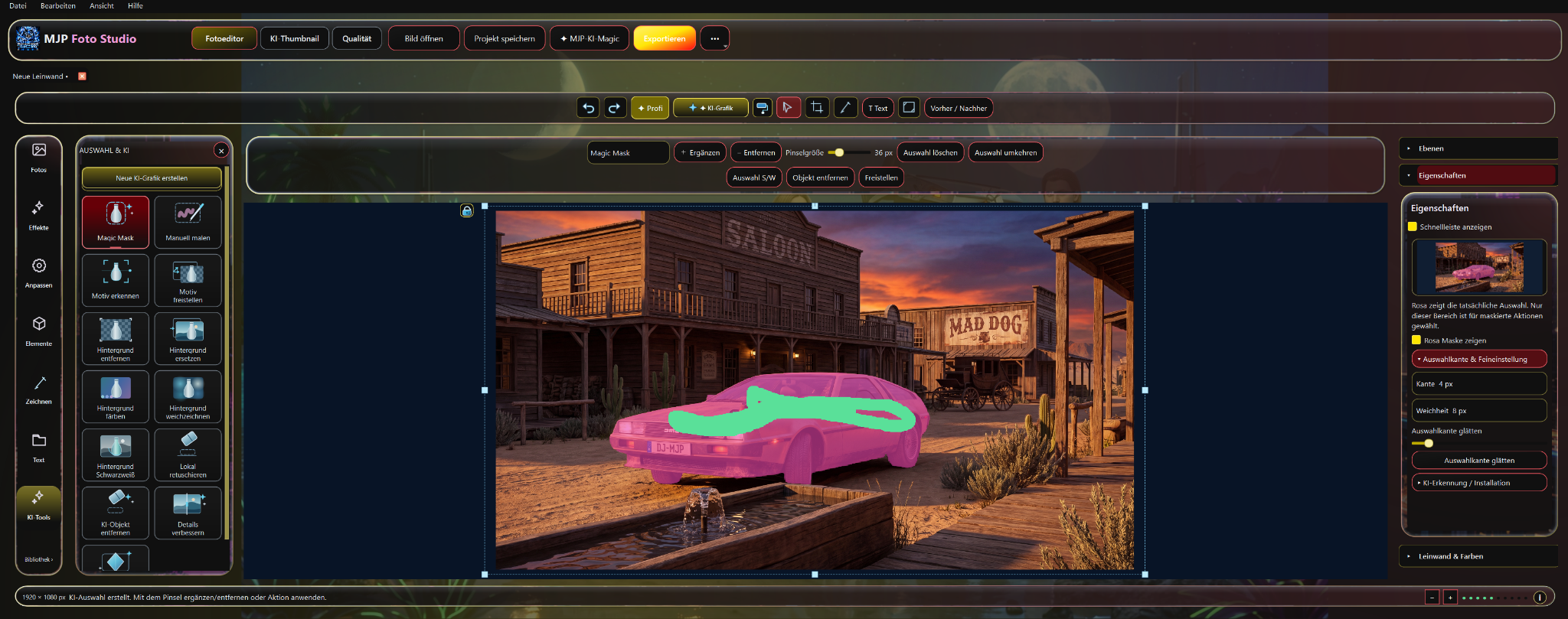
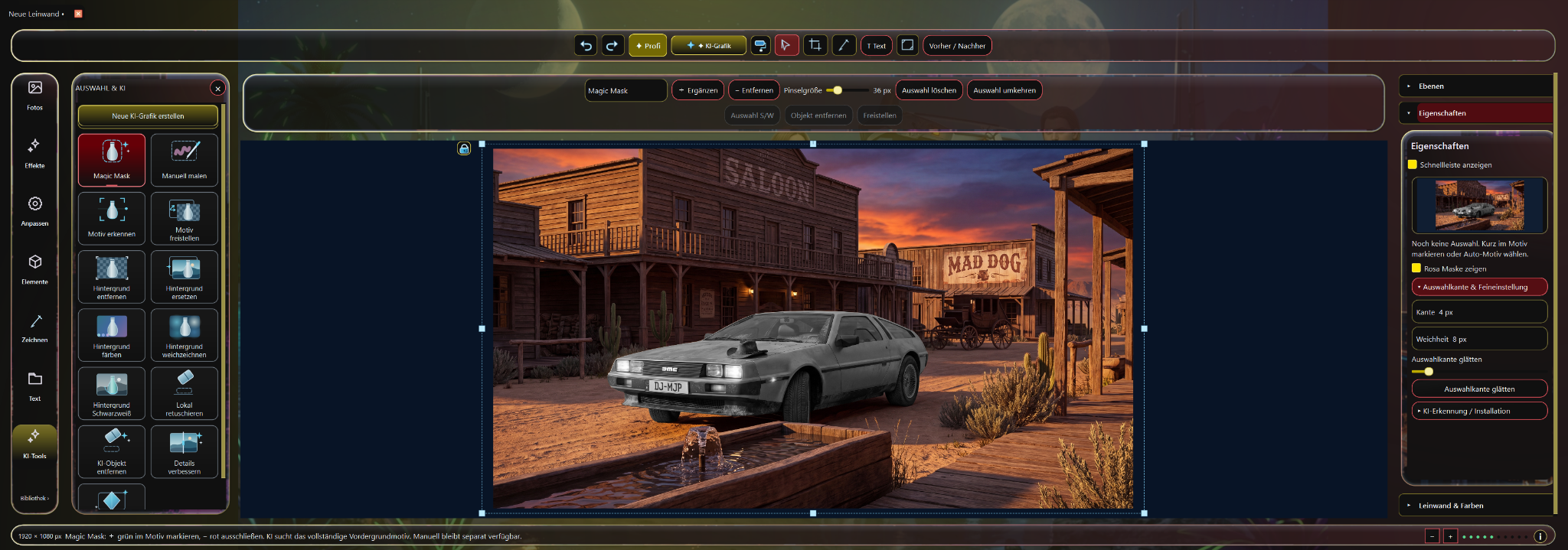
Your hardware. Our software. A local AI environment with as much control and creative freedom as possible.
Your hardware does the work and your data stays under your control.
No traditional credit billing for individual generations.
Image, video, film, photo, voice, music and more creative tools — all united in one program.
A clear interface instead of technical node complexity.
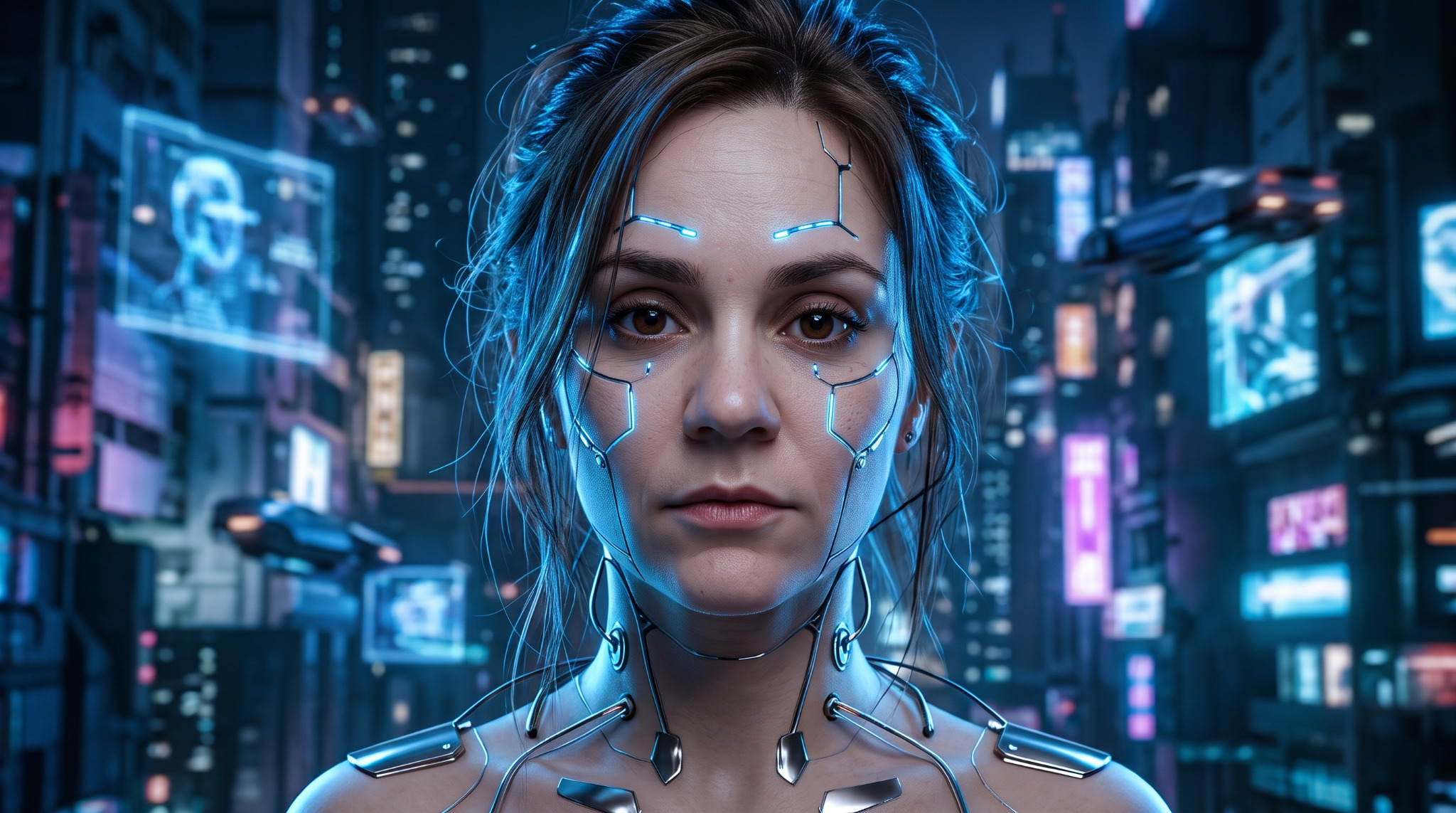
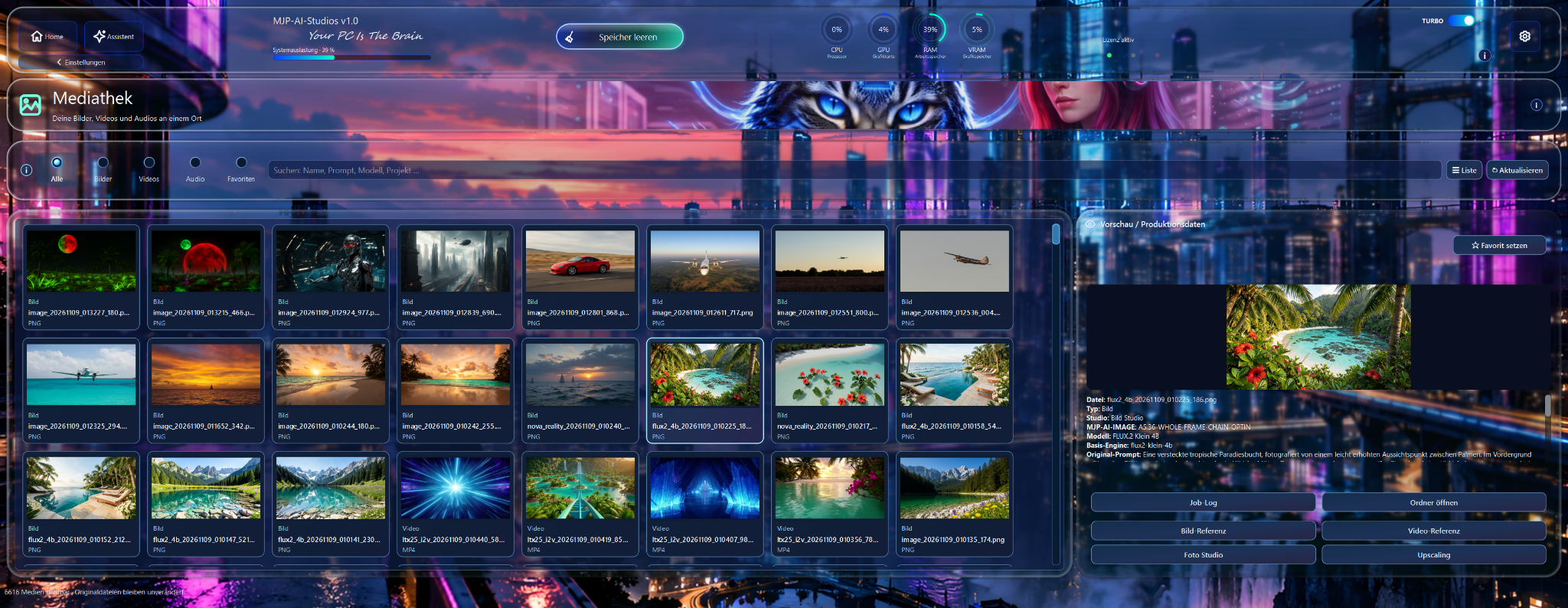
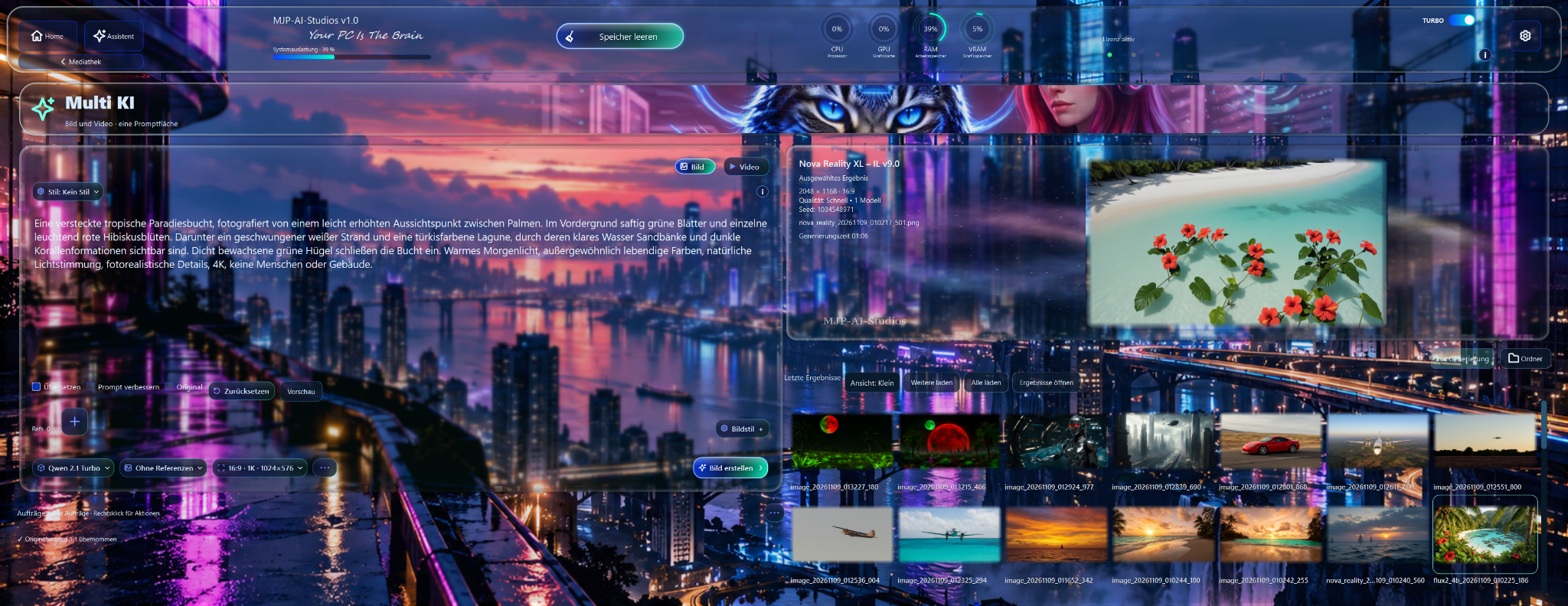
These screenshots show the home screen, appearance settings and Multi-AI with different accent colors.
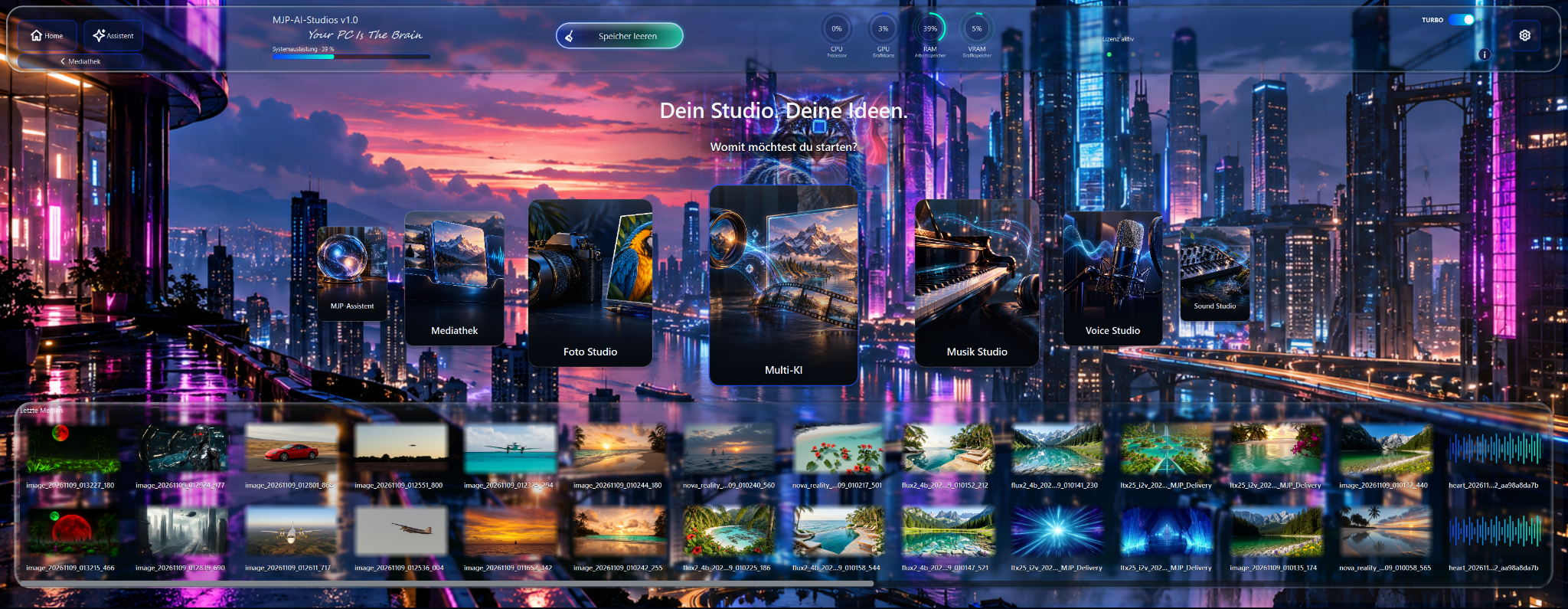
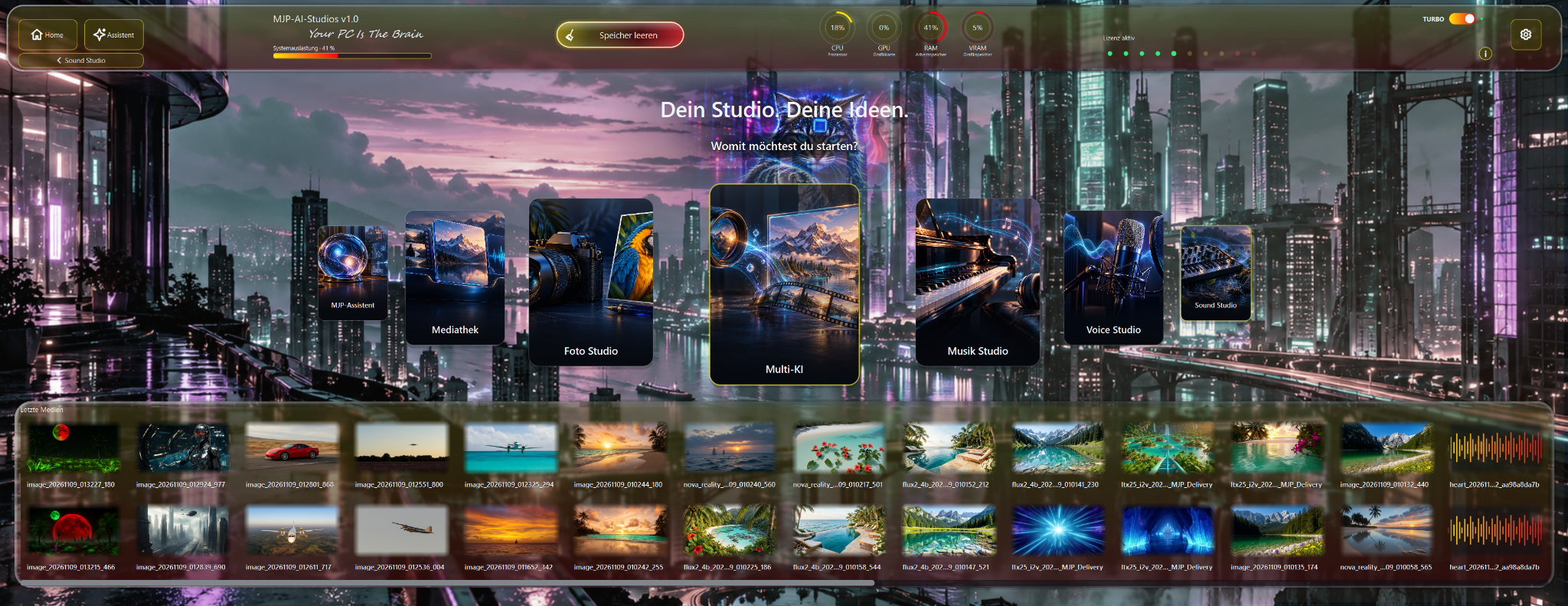
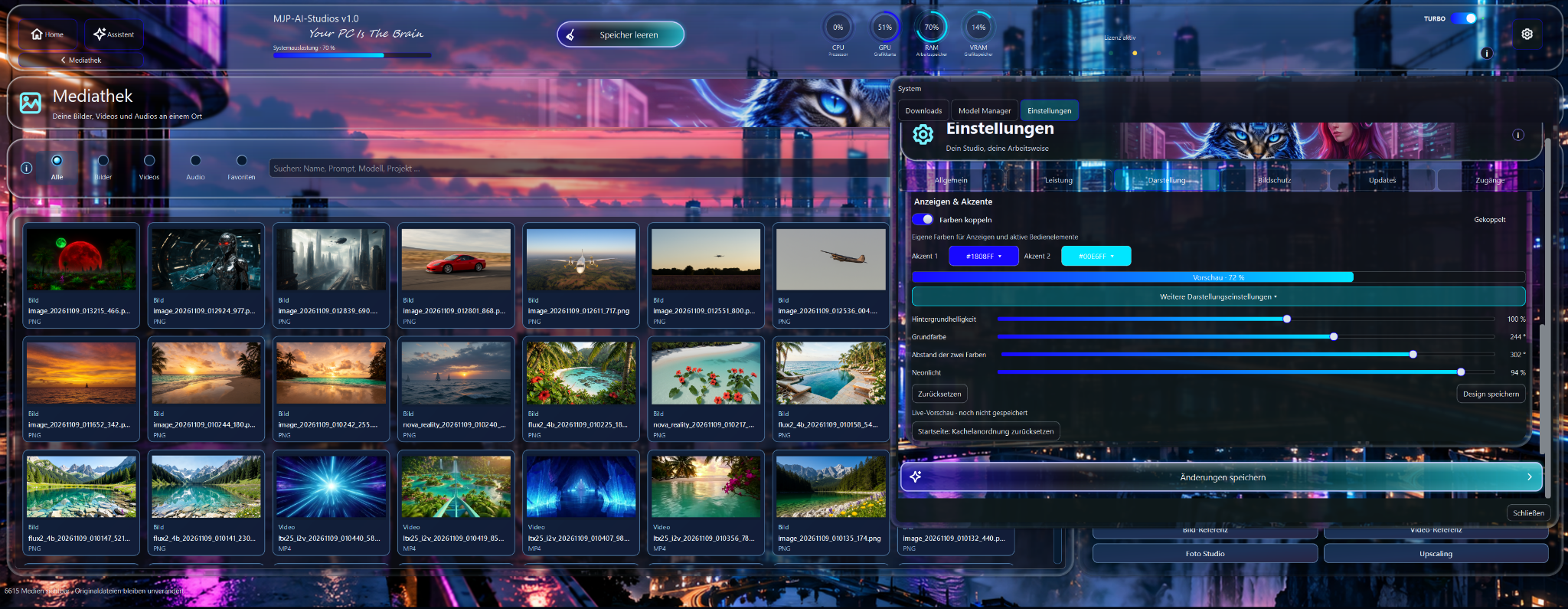
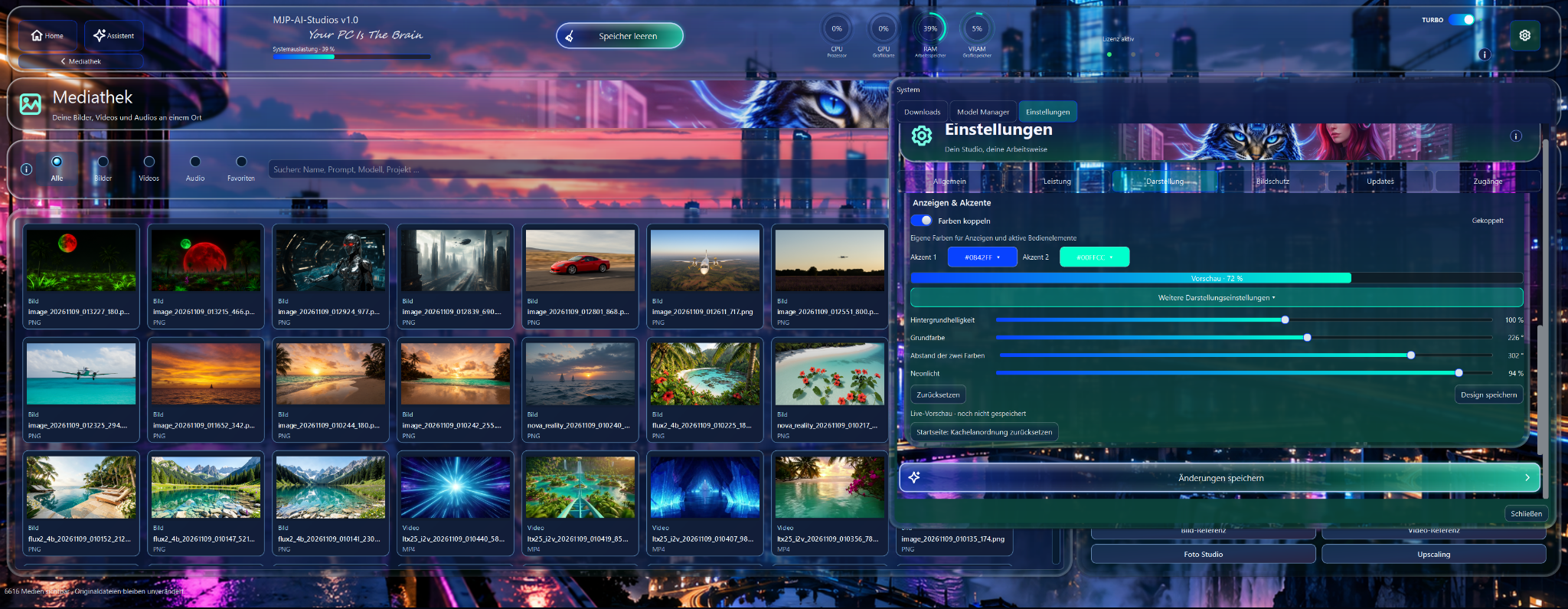
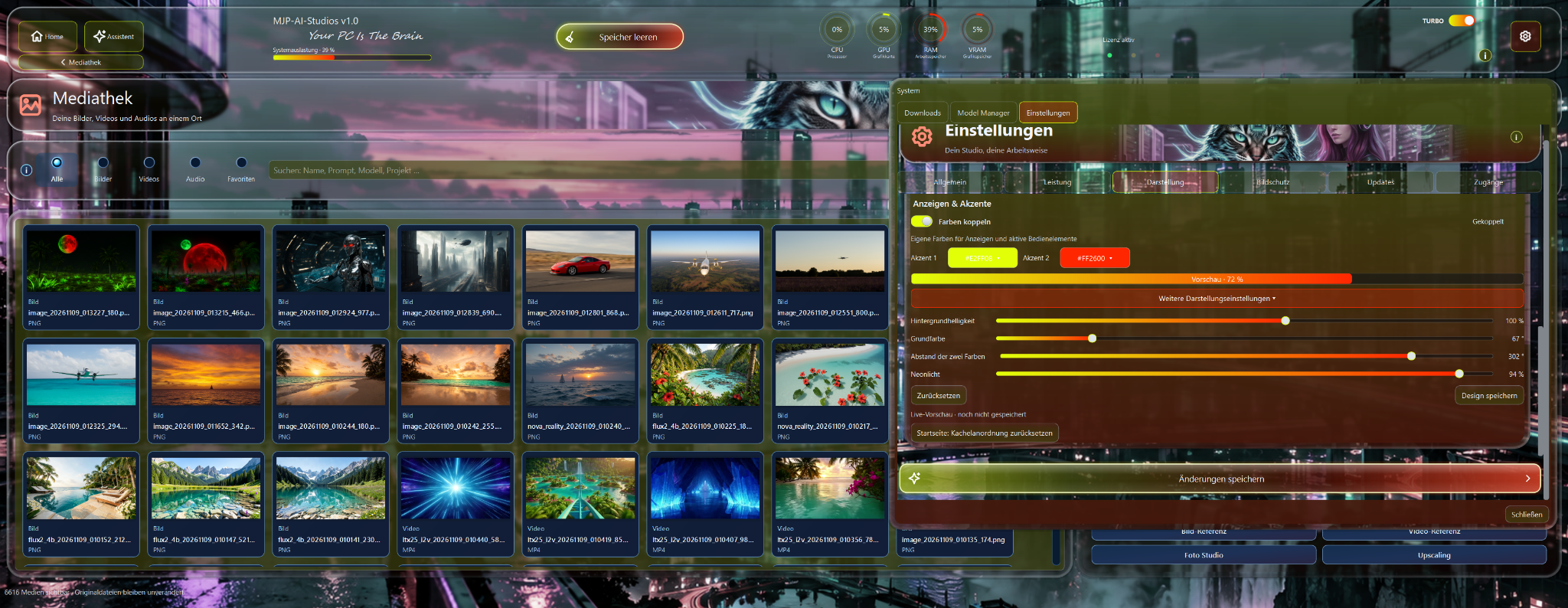
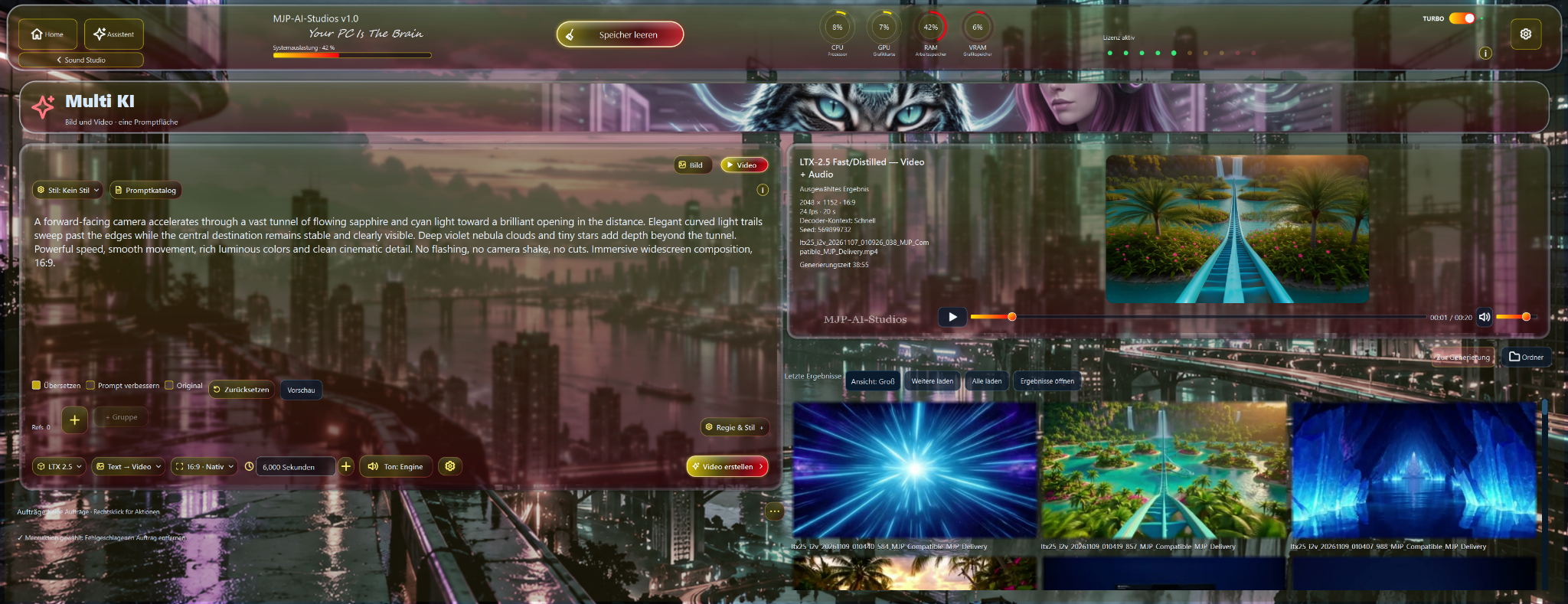
Start in the right area — such as Image Studio, Photo Studio, Video Studio, AI Film or Music Studio.
Define the prompt, reference images, videos, audio or other requirements for your project.
Run the selected AI workflow and keep your project, references and settings moving forward within the same working environment.
Review your result, refine it and export it for your next creative project.
Select the monthly plan in the Digistore24 checkout for the 7-day trial. The annual subscription is available separately.
For help installing or activating the software, email info@mjp-studios.com. For questions about payments, invoices or your subscription, use the contact options in your Digistore24 order confirmation.
Basic questions about MJP-AI-Studios.
MJP-AI-Studios brings image, photo, video, AI film, music, voice and assistance together in one local creator suite. The goal is one connected workflow on your own hardware instead of many separate AI websites and services.
MJP-AI-Studios is designed around local AI workflows. Which functions and models run locally depends on your configuration and hardware.
Core areas include Image Studio, Photo Studio, Video Studio, AI Film, MJP Assistant, Music Studio and other creative tools — all united in one program.
Yes. You can adjust colors, border thickness, background brightness and neon glow, and save your design.
MJP-AI-Studios is aimed at creators, video and image producers, designers, musicians, social-media creators, small studios and anyone who wants to use multiple creative AI workflows in one local environment.
The main advantage is consolidation: instead of switching between different websites, accounts and interfaces for image, video, film, music or assistance, many workflows are available inside one program. This reduces context switching, simplifies projects and lowers dependence on individual online services.