Creative support directly in the studio.
For faster ideation, clear support and cross-studio assistance in creative workflows.
Powerful tools, clear controls and a unified workflow for creative AI projects.
Write and improve creative instructions directly in the workflow.
Get help choosing suitable tools and next steps.
The assistant can take information from the current project context into account.
Use assistance functions across multiple creative areas.
Complex tasks are translated into understandable steps.
The assistant is designed as part of the MJP environment.
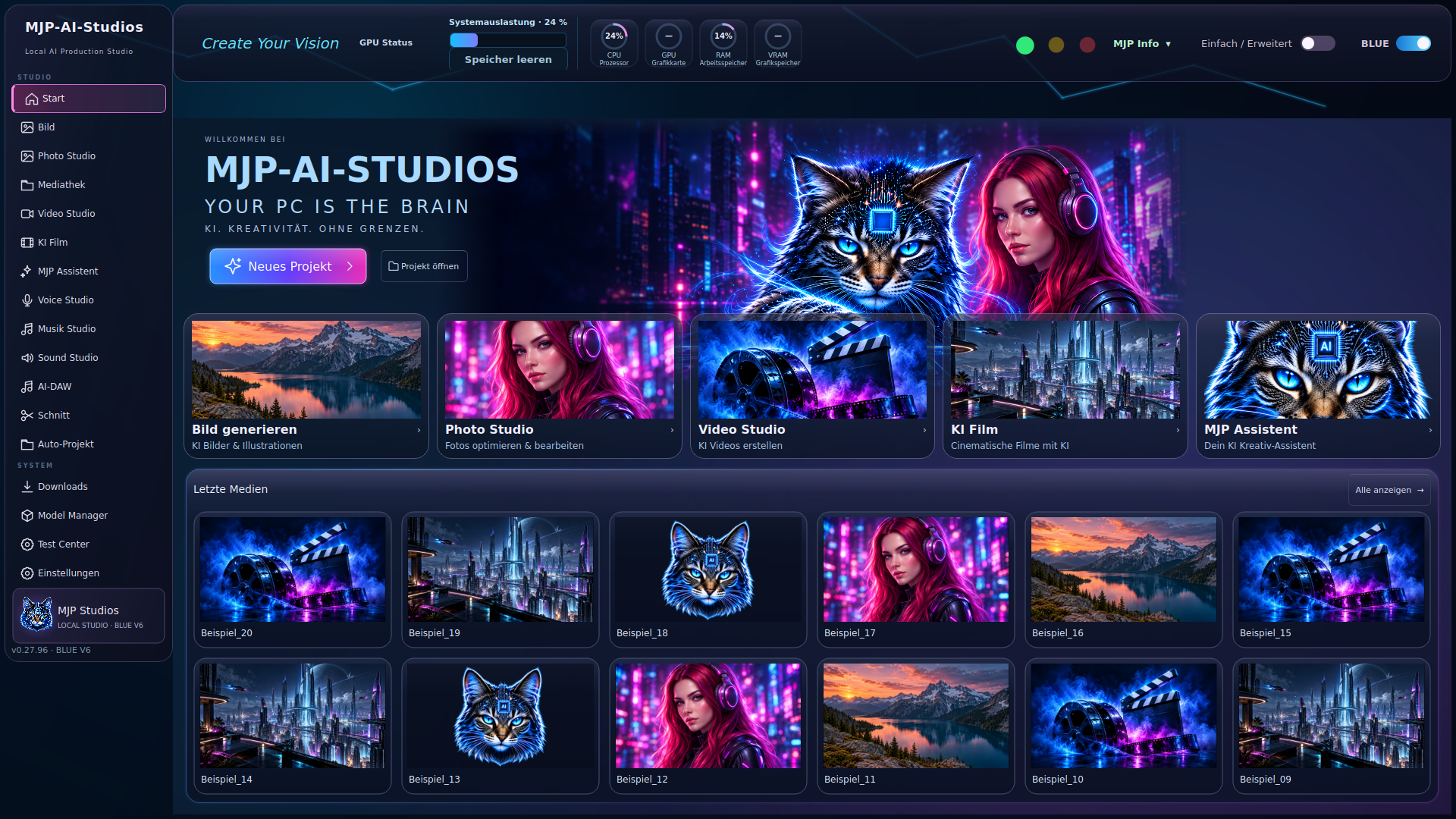

Open the studio and choose a task.
Define prompt, media and references.
Your local hardware handles the workflow.
Review, refine and save the result.